Application Ordicura
Ordicura IT Portal
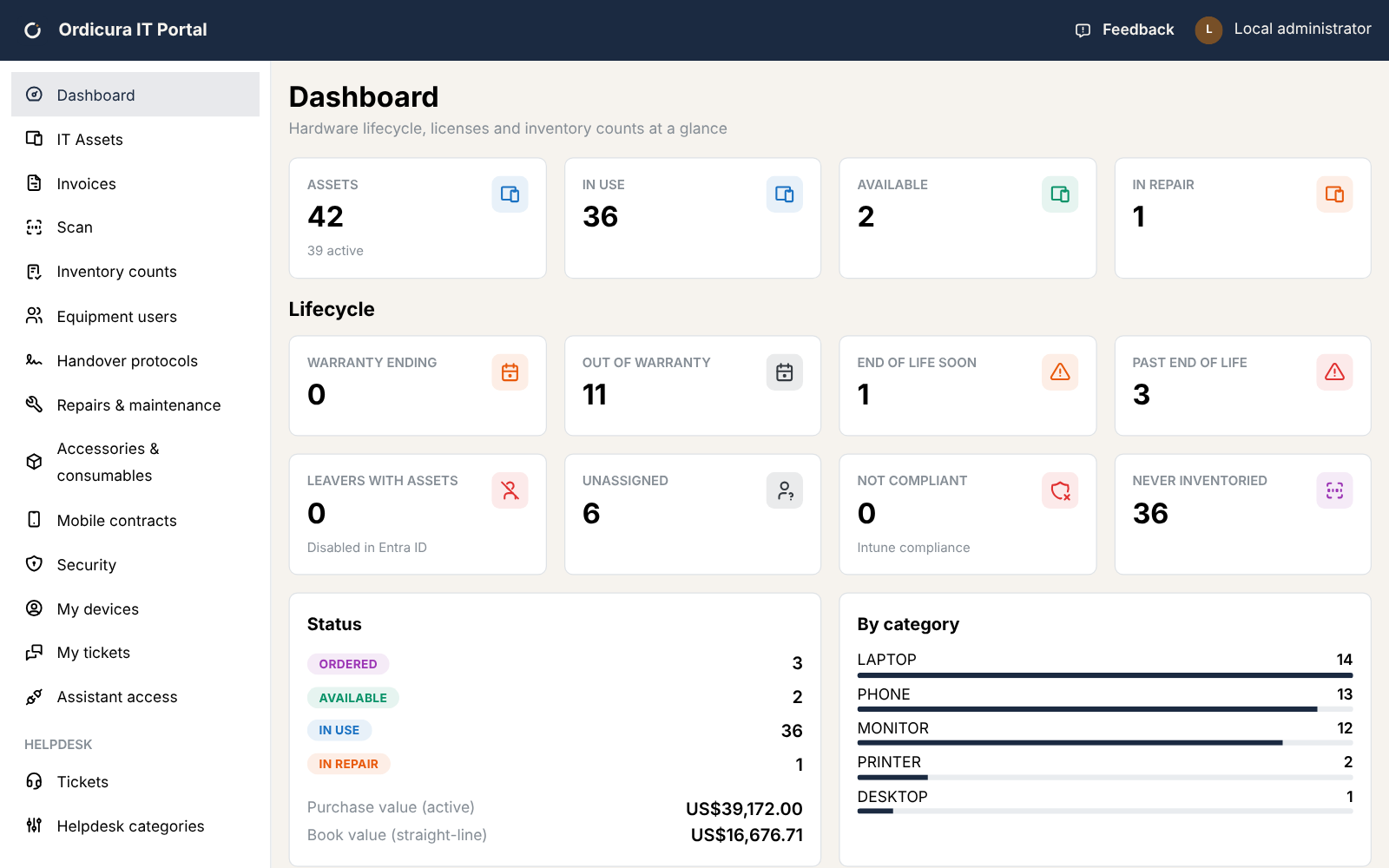
Devices, licences, handovers and helpdesk tickets in one place, filled from Entra ID, Intune and Microsoft 365. Employees see their own equipment and raise tickets in a portal of their own. Also available as an extension inside Business Central.
In detail
-
People, devices and licences arrive on their own
Users from Entra ID, managed devices from Intune and subscribed licences from Microsoft 365 are synced on a schedule and matched to existing records rather than duplicated. Leavers still holding equipment are flagged, and one action takes everything back.
-
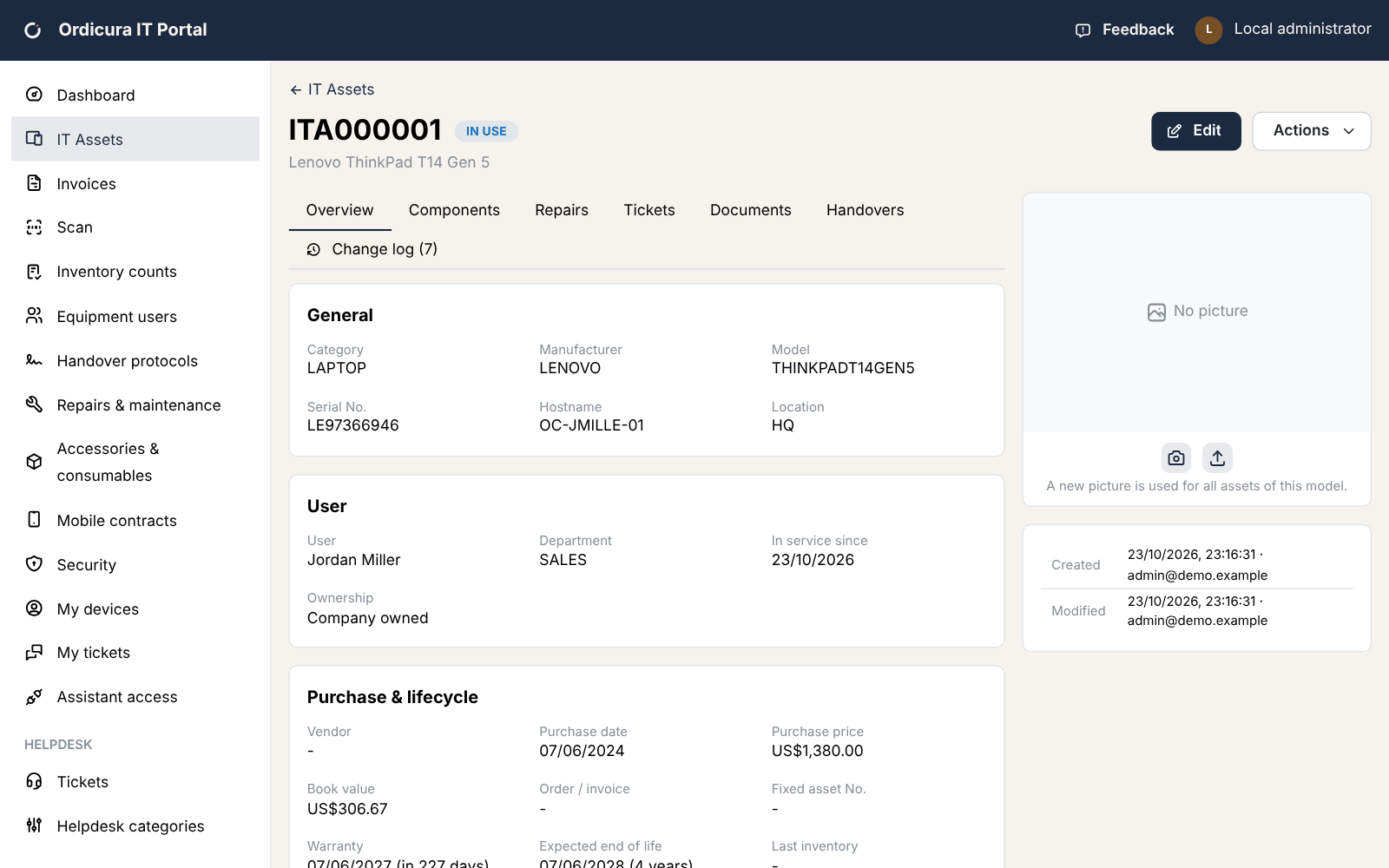
A lifecycle for every device
From ordered to disposed, with warranty end and end of life calculated from the purchase date, a book value, repairs with their cost, and warranty dates looked up from the serial number for Dell and Lenovo.
-
Licences, Microsoft and otherwise
Microsoft 365 seats with their cost and renewal date, next to Adobe, Autodesk and the rest, licensed per user, per device or concurrently. Unused seats and people who never sign in are listed with what they cost.
-
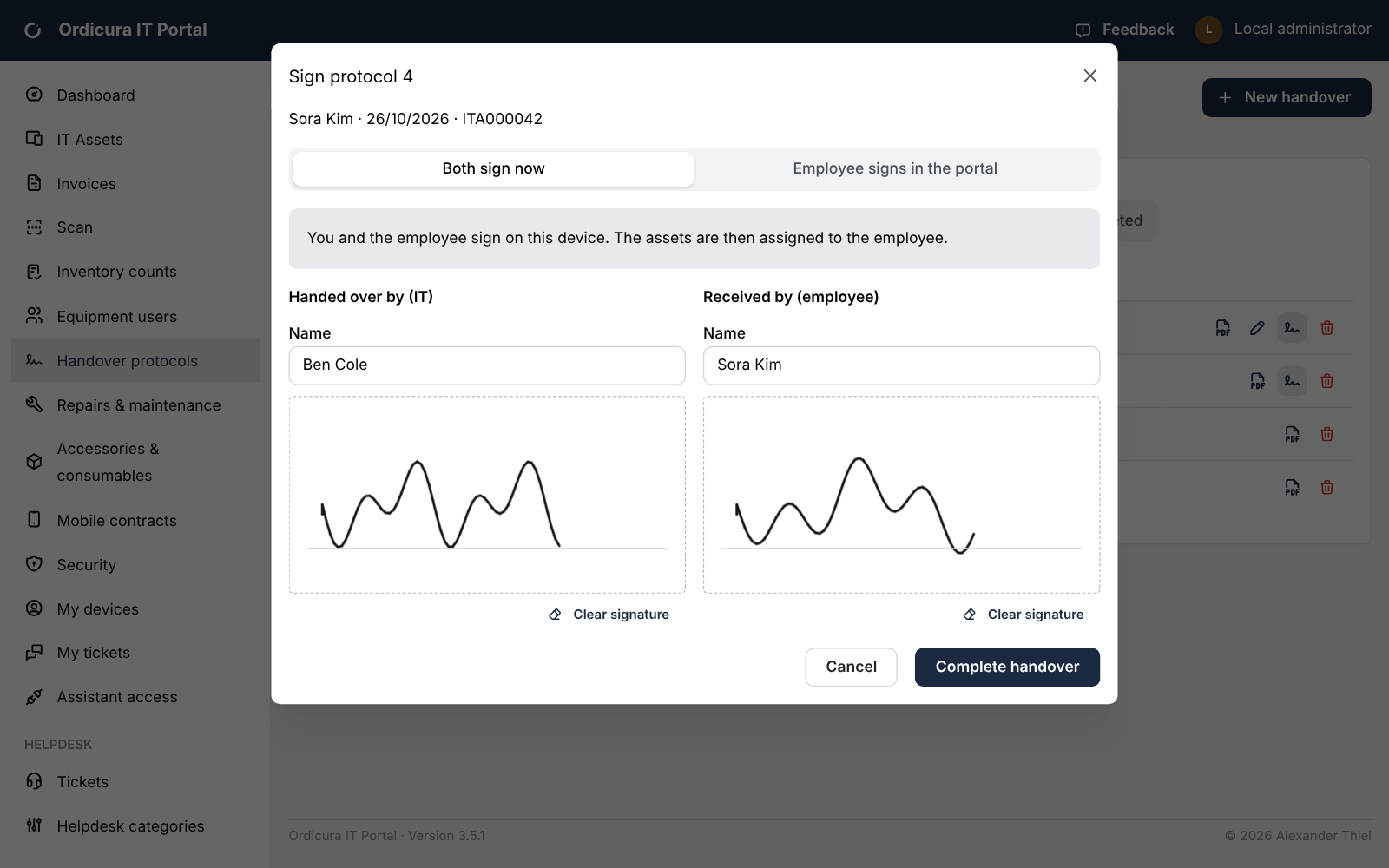
Handovers signed on screen
A check-out or check-in is a short wizard: scan the items, note the condition, and IT and the employee both sign. The equipment moves once both have, and the protocol is a PDF in German or English.
-
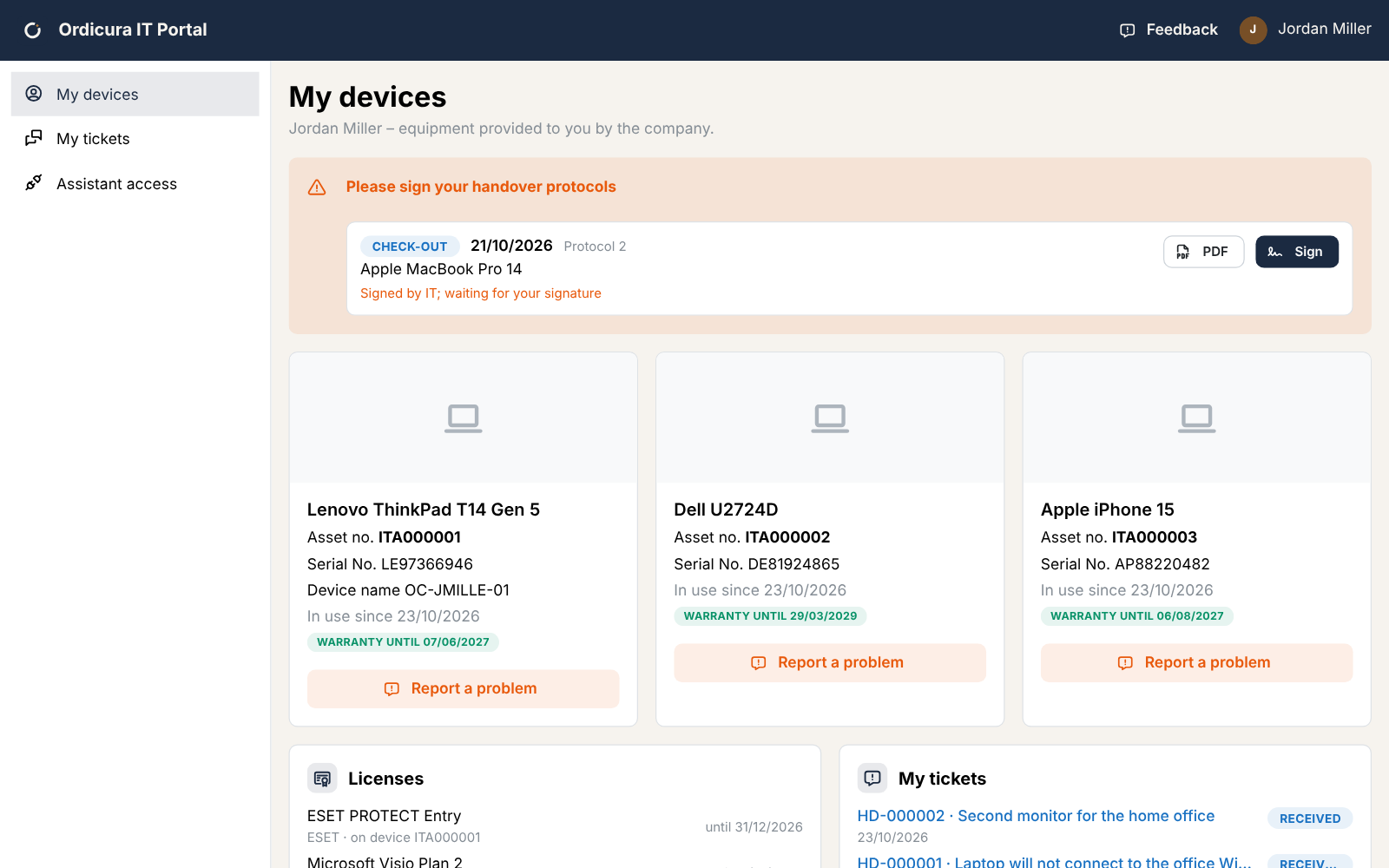
A portal for every employee
Their own devices, licences, accessories and phone contract, the handovers waiting for their signature, and helpdesk tickets with screenshots attached. Answers arrive as push notifications from the installed app.
-
Scanning, stock and counts
A phone or laptop camera reads barcodes and QR codes, labels print for any asset, and a stock-take lists what was found, what turned up unexpectedly and what is missing. Docks, headsets and toner are kept as stock with low-stock alerts.
What it looks like