Application Ordicura
Ordicura CRM
Leads, contacts, activities and a sales pipeline, with orders and quotes created in Microsoft Dynamics 365 Business Central.
In detail
-
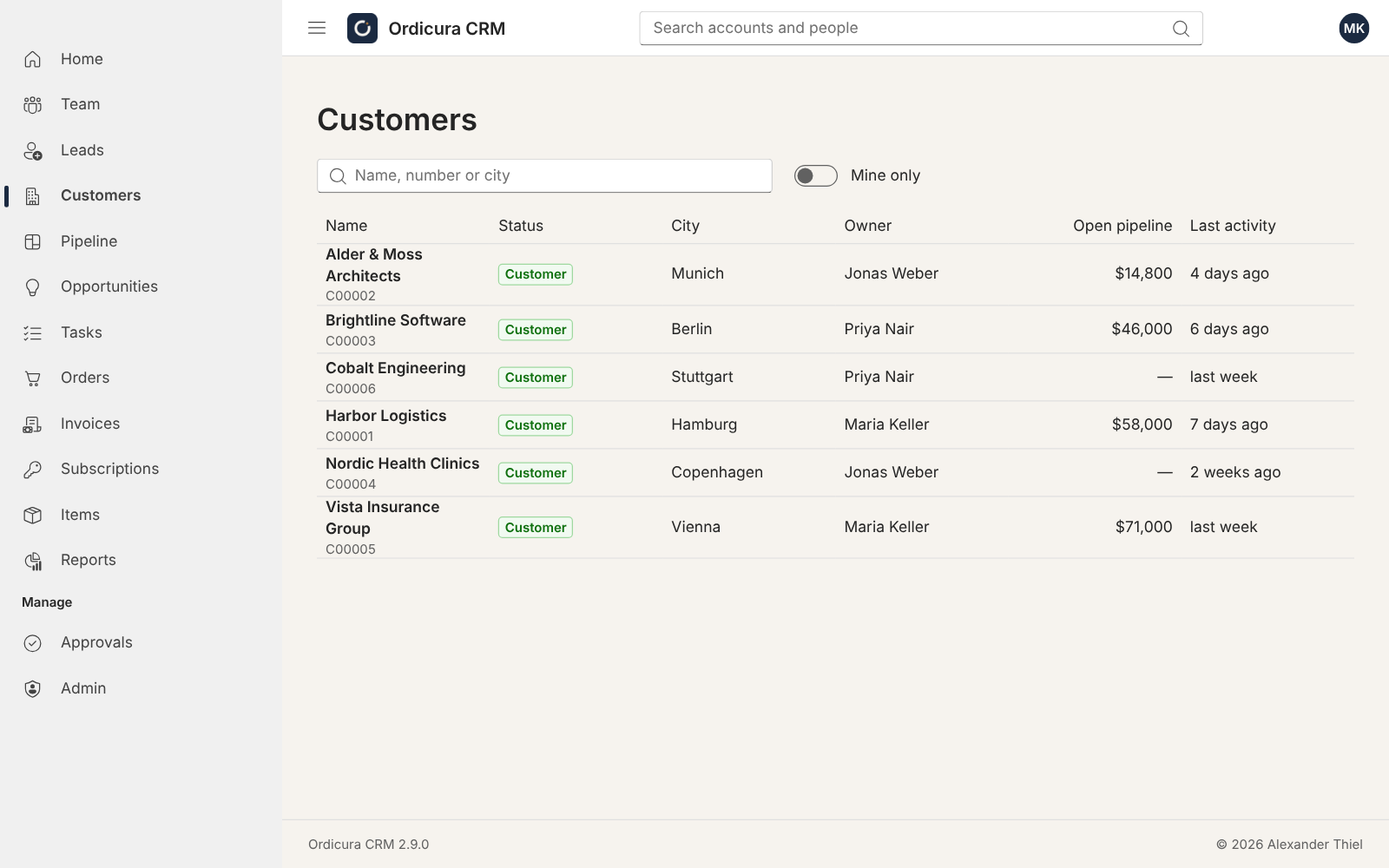
Leads and customers in one list
A lead becomes a customer with one action, optionally approved by a manager, and is created in Business Central from a customer template. Customer accounts carry live figures: balance, overdue amounts, open orders and quotes, invoices and sales this year.
-
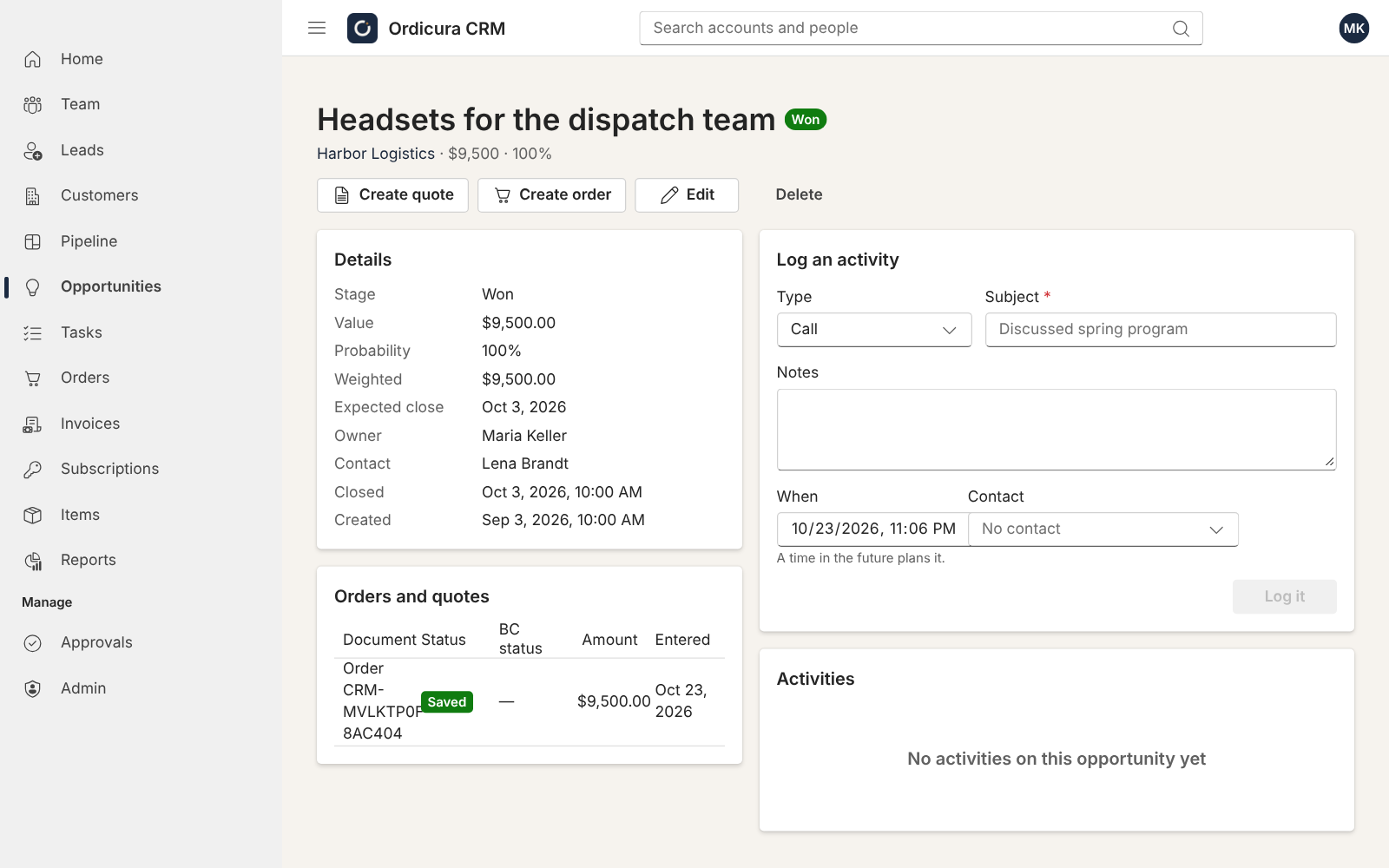
Every contact recorded where it belongs
Calls, meetings, visits, e-mails and notes are logged against the account, contact or opportunity. Tasks can be handed to Microsoft To Do, and each person's Outlook calendar is shown alongside.
-
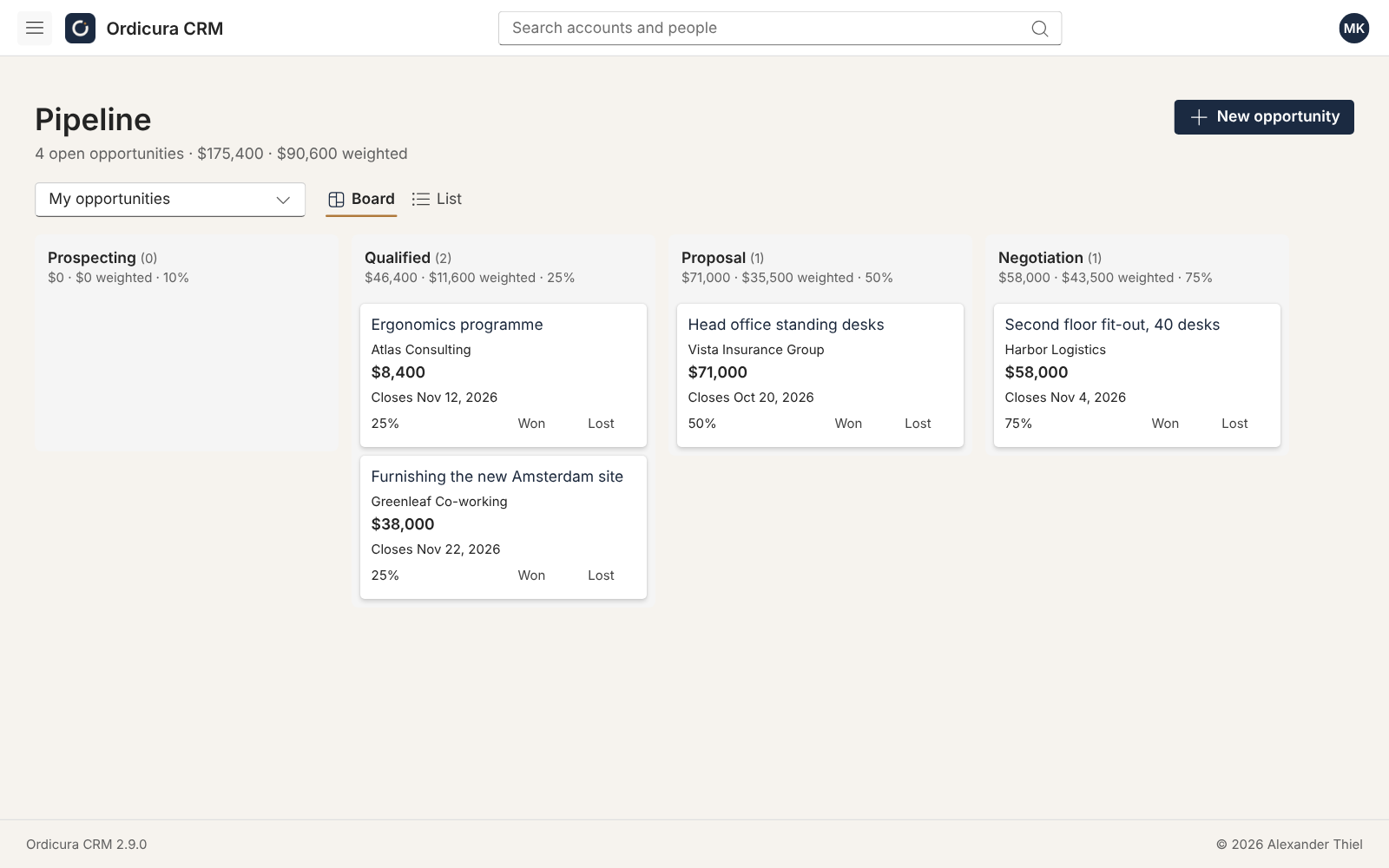
A pipeline that explains itself
Opportunities move through stages and close with a won or lost reason. Reports cover the pipeline, outcomes, activity, and the accounts nobody has spoken to lately.
-
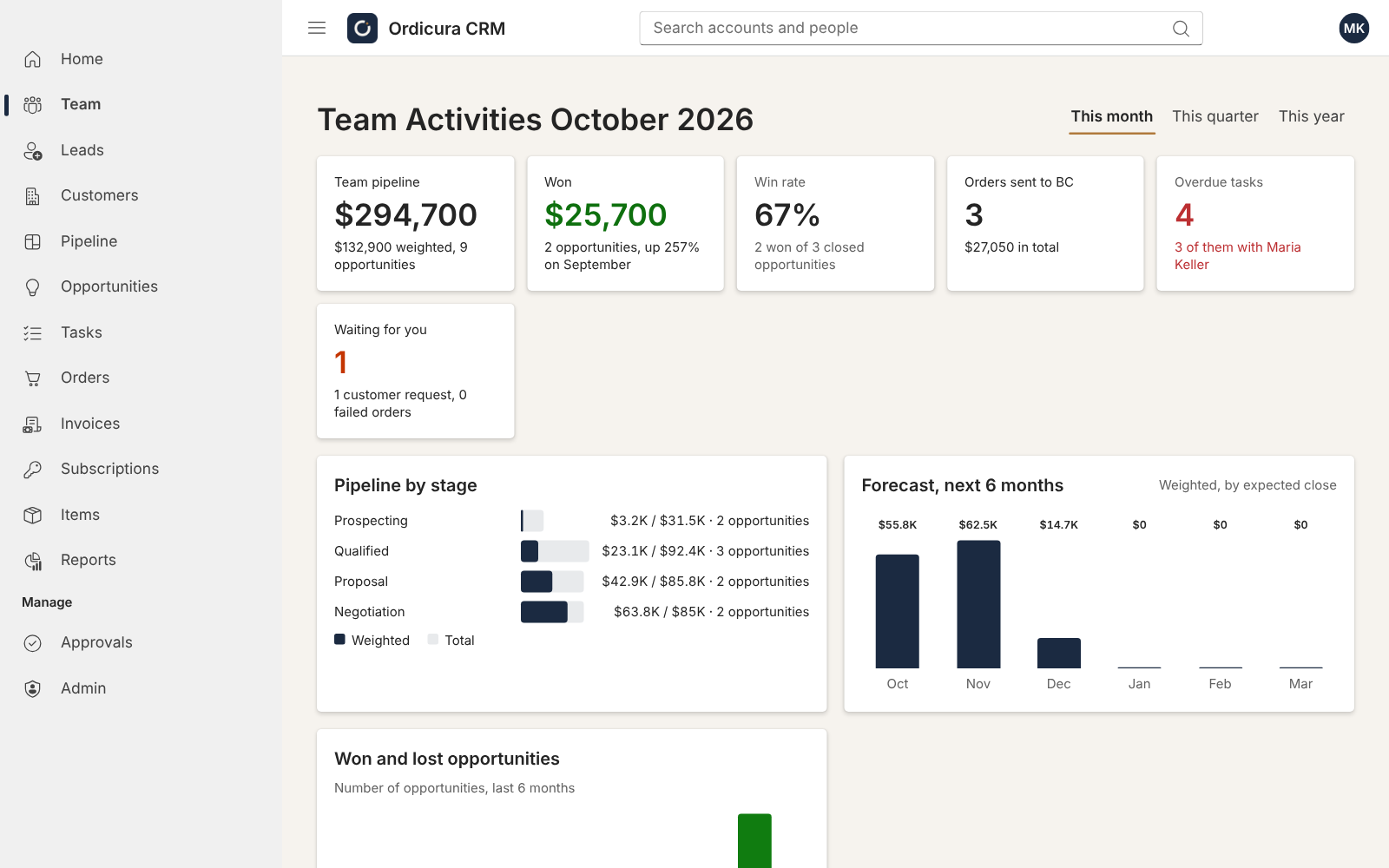
The team at a glance
Managers see the month, quarter or year: pipeline, won business and win rate, a forecast, one row per salesperson, and what needs attention, such as failed orders or opportunities past their close date.
-
Orders and quotes without retyping
Entered from an account, an opportunity or an e-mail, with item availability, and created in Business Central as sales orders or quotes. Without Business Central the CRM keeps its own items, customers and invoices.
-
Playbooks, Outlook and seven languages
A playbook turns the steps for a kind of customer into planned activities for its owner. An Outlook add-in logs e-mail to the right account. Installable on phones and desktops, in English, German, Spanish, French, Malay, Chinese and Japanese.
What it looks like
Try it yourself
Get a CRM of your own to try, filled with sample leads, deals in every stage, tasks and invoices, with you as its admin. We email you a link to confirm your address, and your sign-in once it is ready. It is deleted after seven days, with everything typed into it.